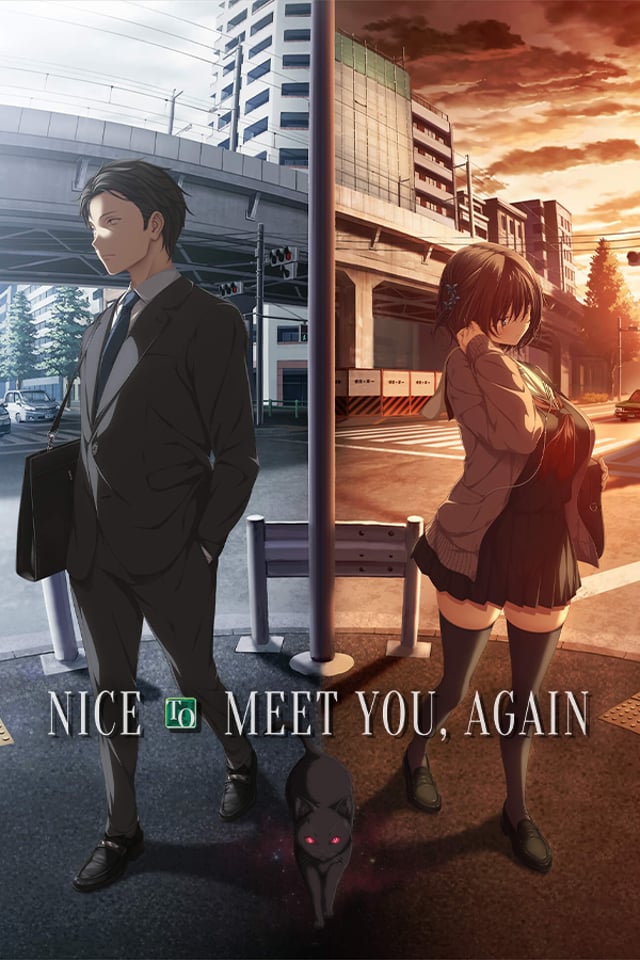
Start with the catalog as a set of reading moods instead of a wall of covers. This guide points new shoppers toward recent, visible, and easy-to-compare titles while linking into the broader browse surfaces once a theme clicks.
715 qualifying titles
Who this guide is for
Readers who know they want a visual novel but do not yet know Denpasoft studios or tags.
Shoppers comparing tone, art style, and sale status before committing to a first purchase.
Returning readers who want a quick scan of what is currently prominent in the storefront.
How to choose
Pick a title with a premise you can summarize in one sentence; it is easier to finish a first route when the hook is clear.
Use screenshots and product tags to decide whether you want romance, comedy, drama, or something more intense.
If you are unsure, start with the newest shelf below and then branch into mood pages instead of searching every tag at once.
715 matches
Recent catalog starting points
Recently listed catalog titles, ordered by the public D1 mirror so the shelf stays current without WordPress reads.
 denpasoft